Floating sidebar
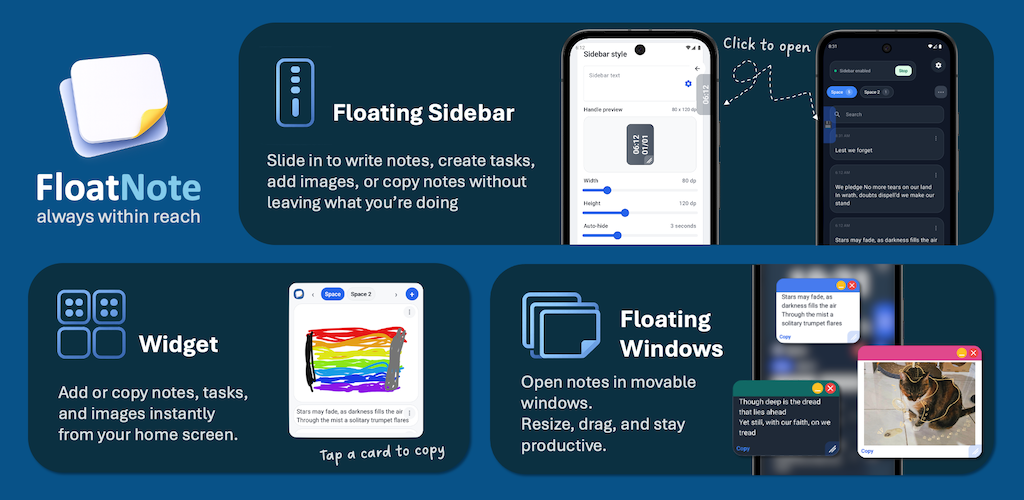
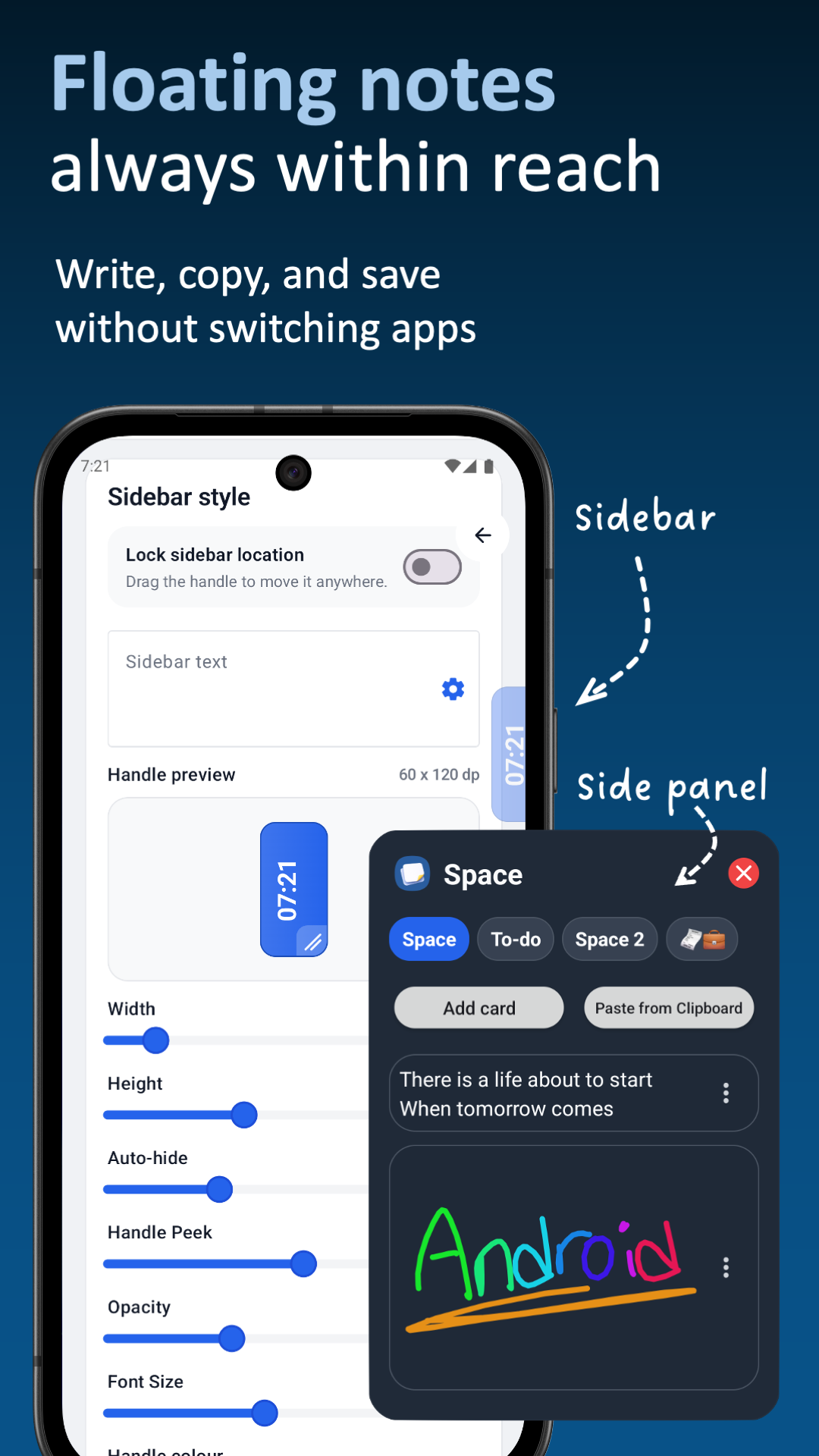
Keep a small draggable handle above other apps. Tap it to open your notes, add a new card, or paste from the clipboard.
FloatNote helps you capture text, drawings, images, and reminders from any app using a floating sidebar, home-screen widget, and organised spaces.
Core features
FloatNote is built around one idea: your notes should be available at the exact moment you need them.
Keep a small draggable handle above other apps. Tap it to open your notes, add a new card, or paste from the clipboard.
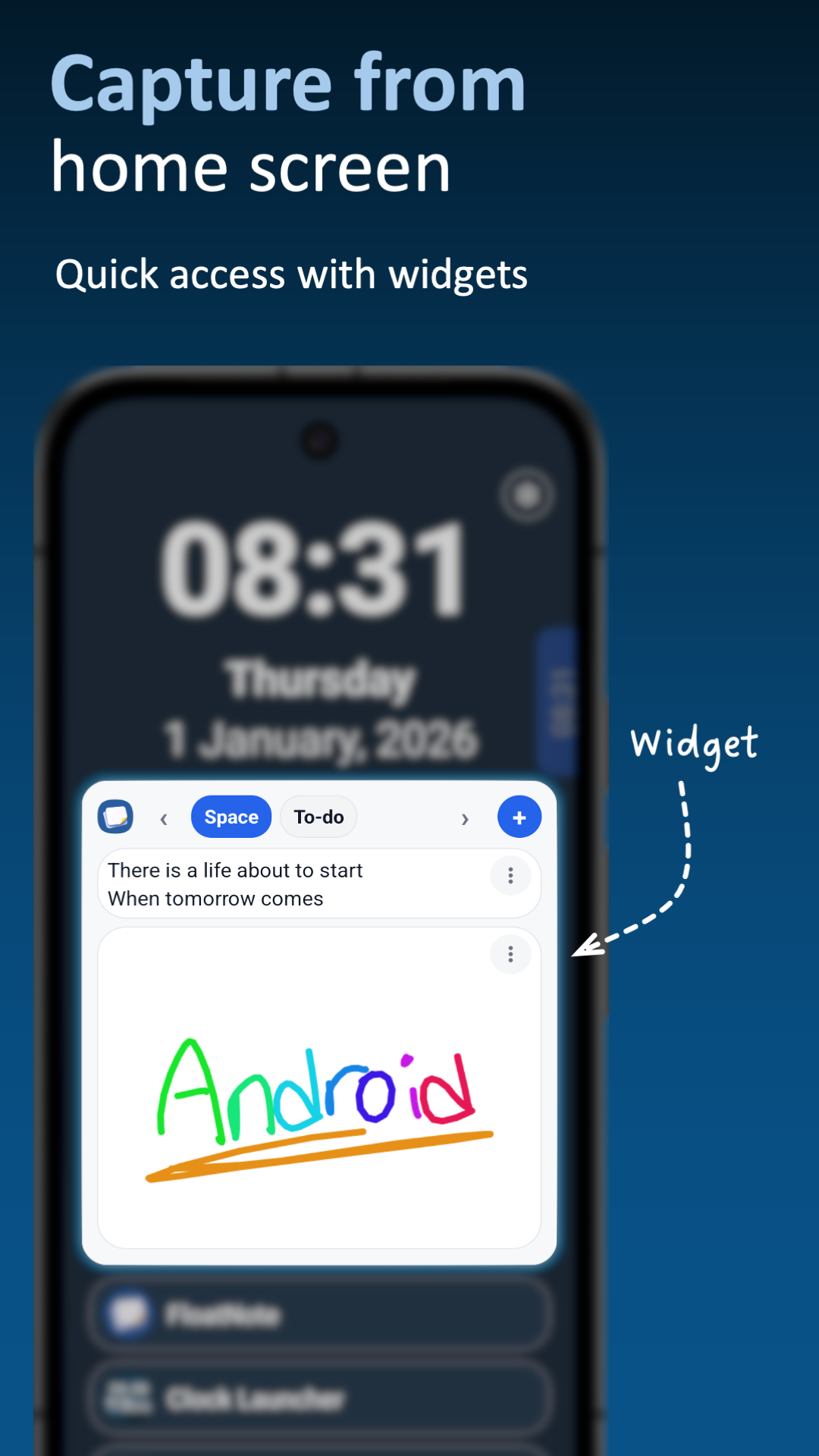
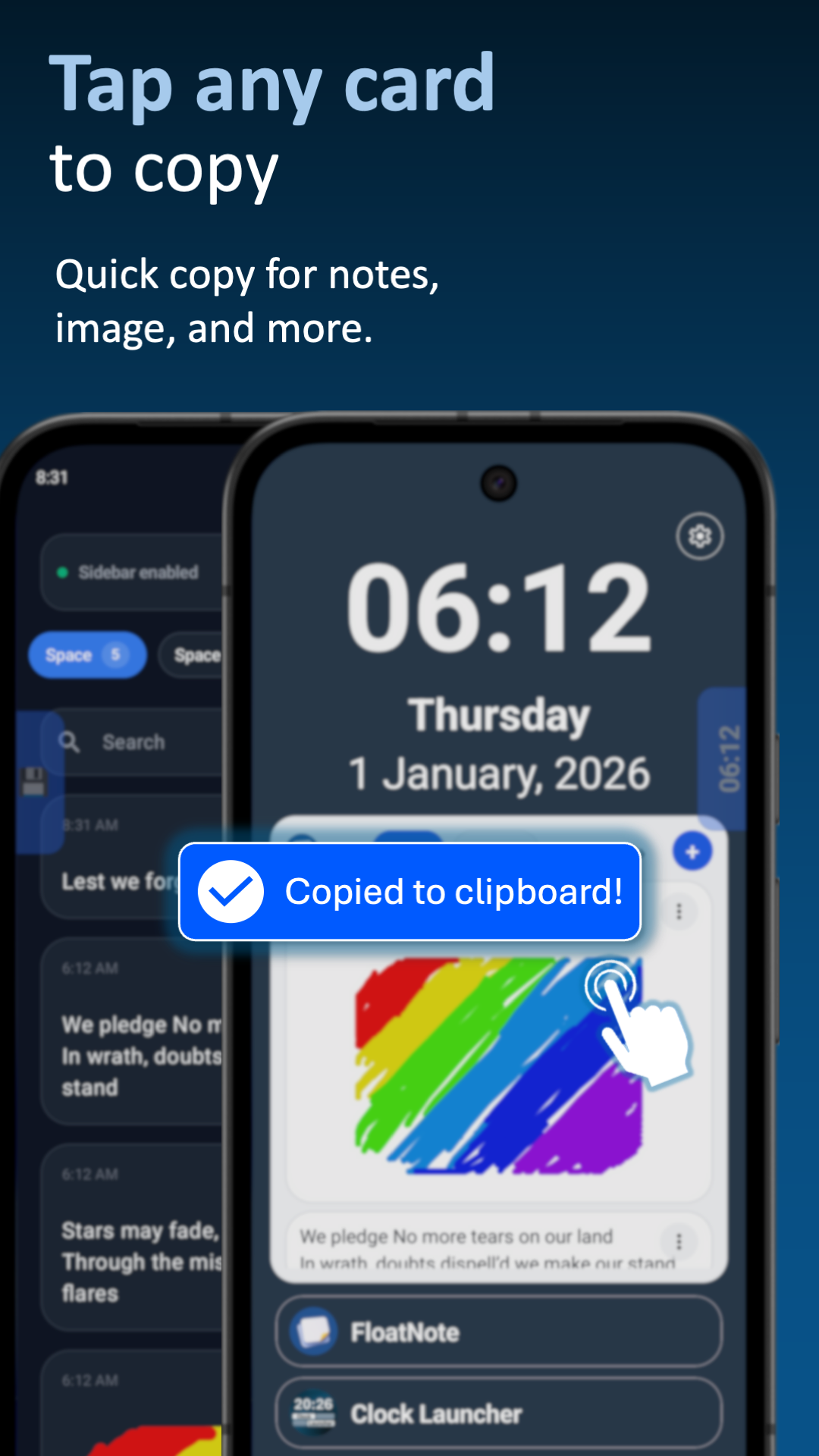
Place your notes on the home screen for quick copying, editing, deleting, and jumping back into FloatNote.
Save plain notes, sketch visual ideas, or keep images as reference cards for later.
Group cards into named spaces such as study, work, routines, projects, or personal reminders.
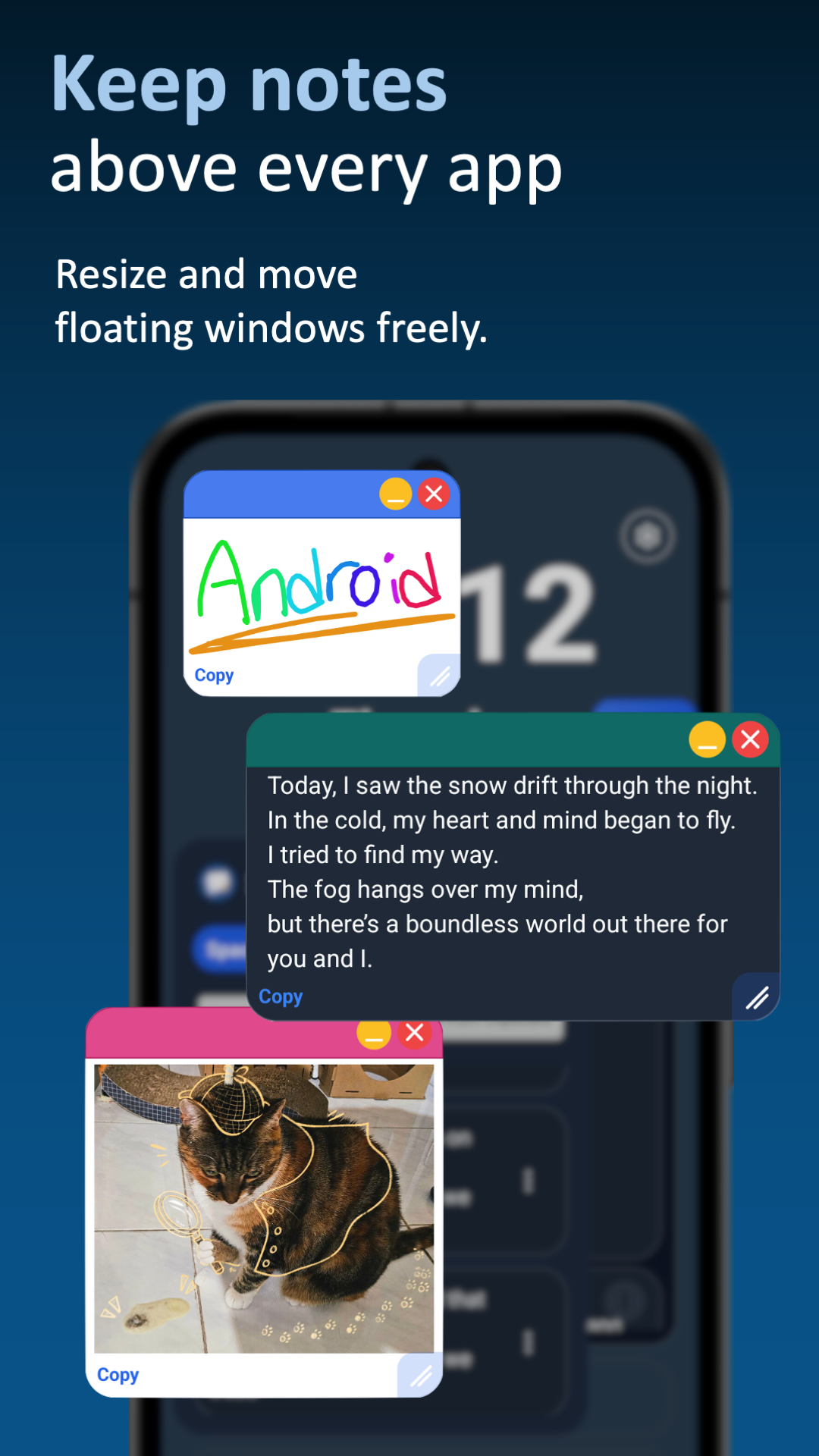
Detach a note as an always-on-top window so it remains visible while you use another app.
Export your spaces and cards to a backup file, then import them again when needed.
Screenshots
Use FloatNote from the main app, the widget, or the floating overlay depending on what you are doing.
How it helps
Keep shopping lists, routine steps, copied text, or appointment notes close by without searching through apps.
Capture information while reading, messaging, researching, or watching something, then organise it into spaces.
Use popup notes as visible prompts while completing a task in another app.
Download FloatNote on Android and keep your notes, reminders, images, and sketches one tap away.