Large orientation clock
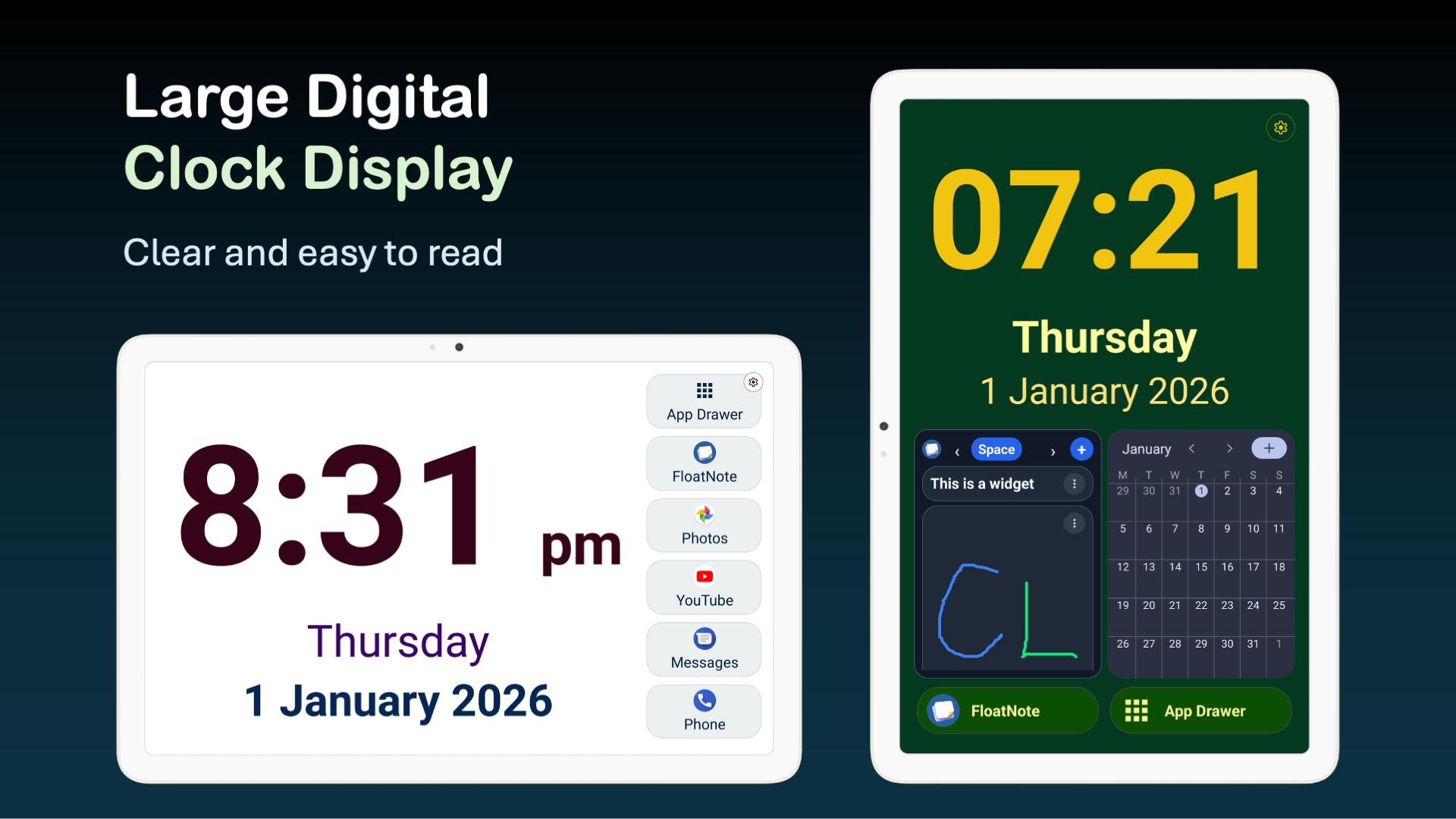
Show time, weekday, and date in a large format that is easy to read from a distance.
Android Launcher
Clock Launcher
Clock Launcher turns an Android phone or tablet into a large, legible clock and simple control hub, helping older adults reach contacts, apps, widgets, notes, and reminders with less searching.
Designed for clarity, orientation, and practical daily independence.
Screenshots
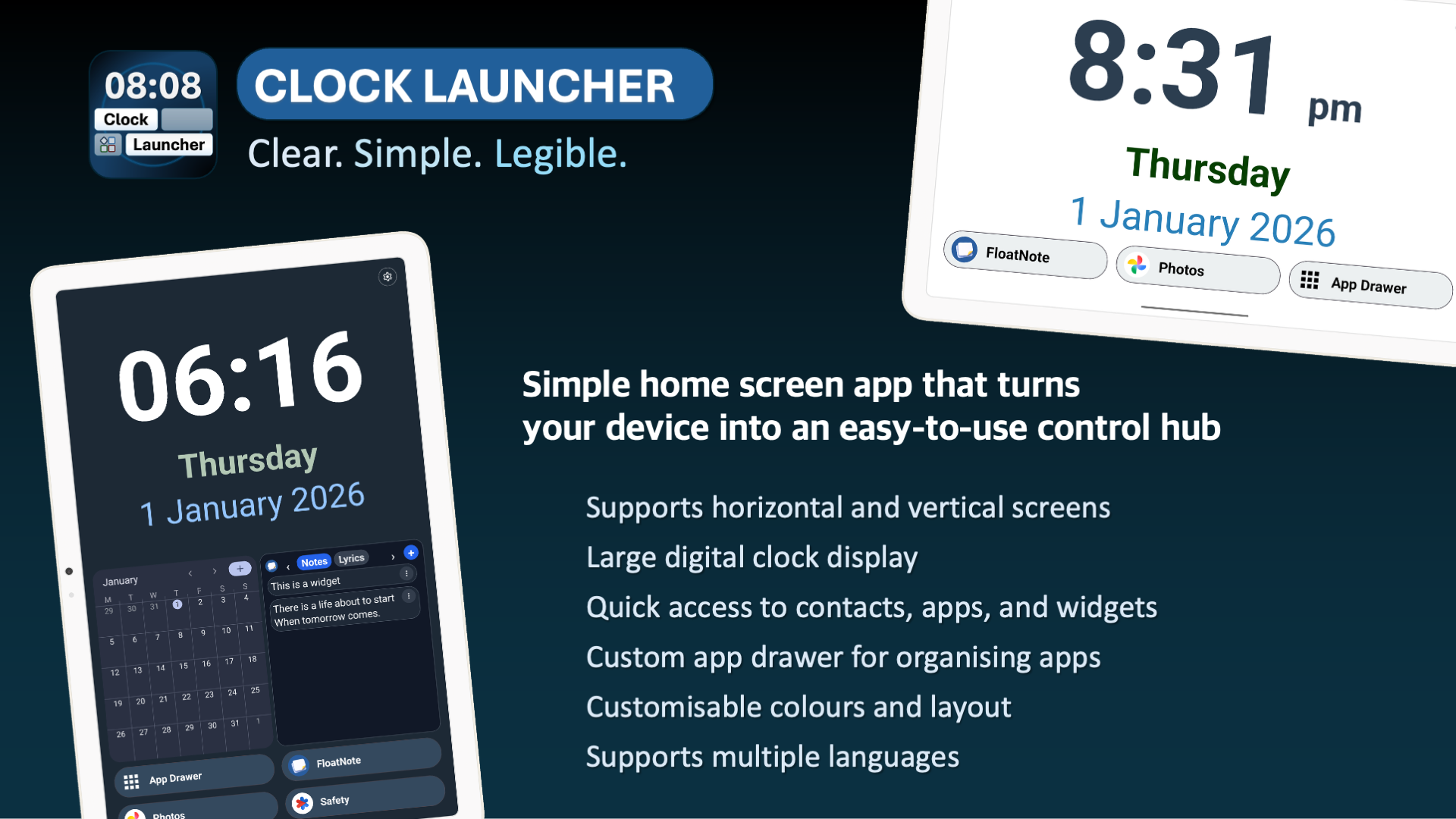
The interface keeps important information visible and places common actions within one tap.
What It Does
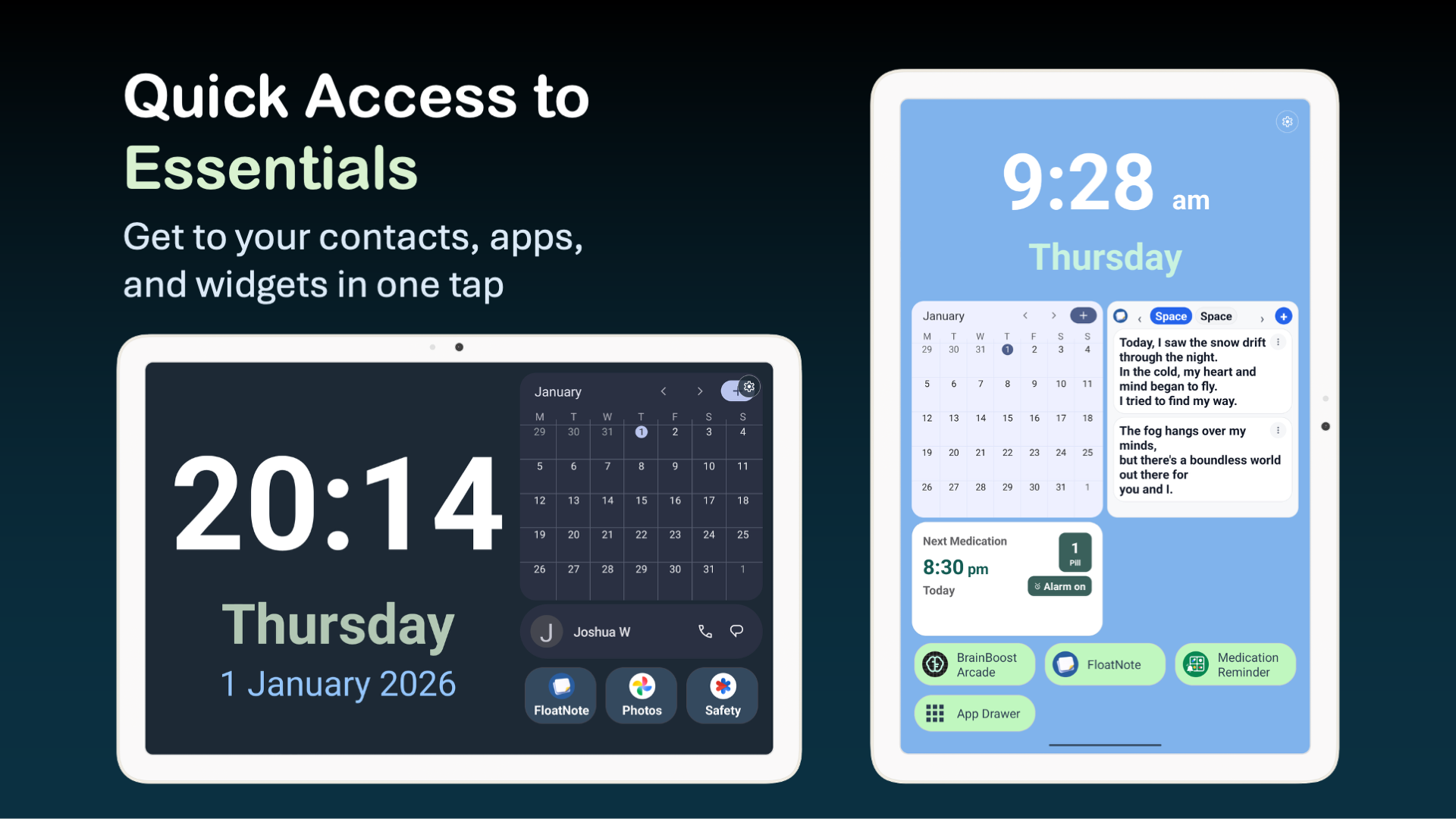
Clock Launcher replaces the usual Android home screen with a simpler layout centred around a large clock, date, and weekday. It gives quick access to selected apps, contacts, system widgets, notes, and an organised app drawer.
Features
Clock Launcher focuses on the parts of a device people actually use day to day.
Show time, weekday, and date in a large format that is easy to read from a distance.
Place selected apps, contacts, notes, and widgets on the home screen to reduce searching and menu navigation.
Add important people for direct phone calls or messaging app shortcuts, including WhatsApp, Telegram, Signal, Viber, and LINE.
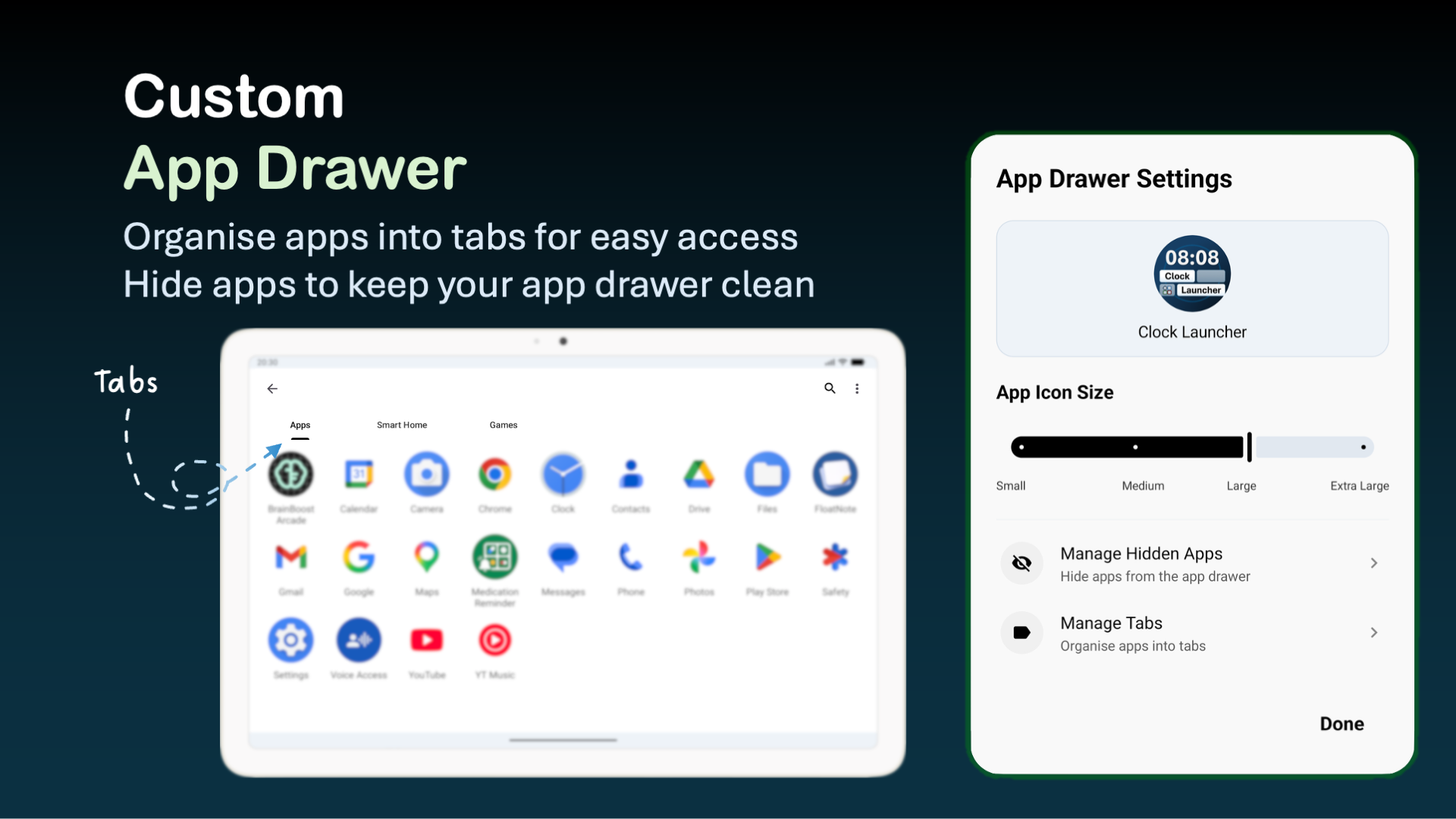
Group apps into tabs, adjust icon size, search apps, hide unused apps, and keep the drawer less overwhelming.
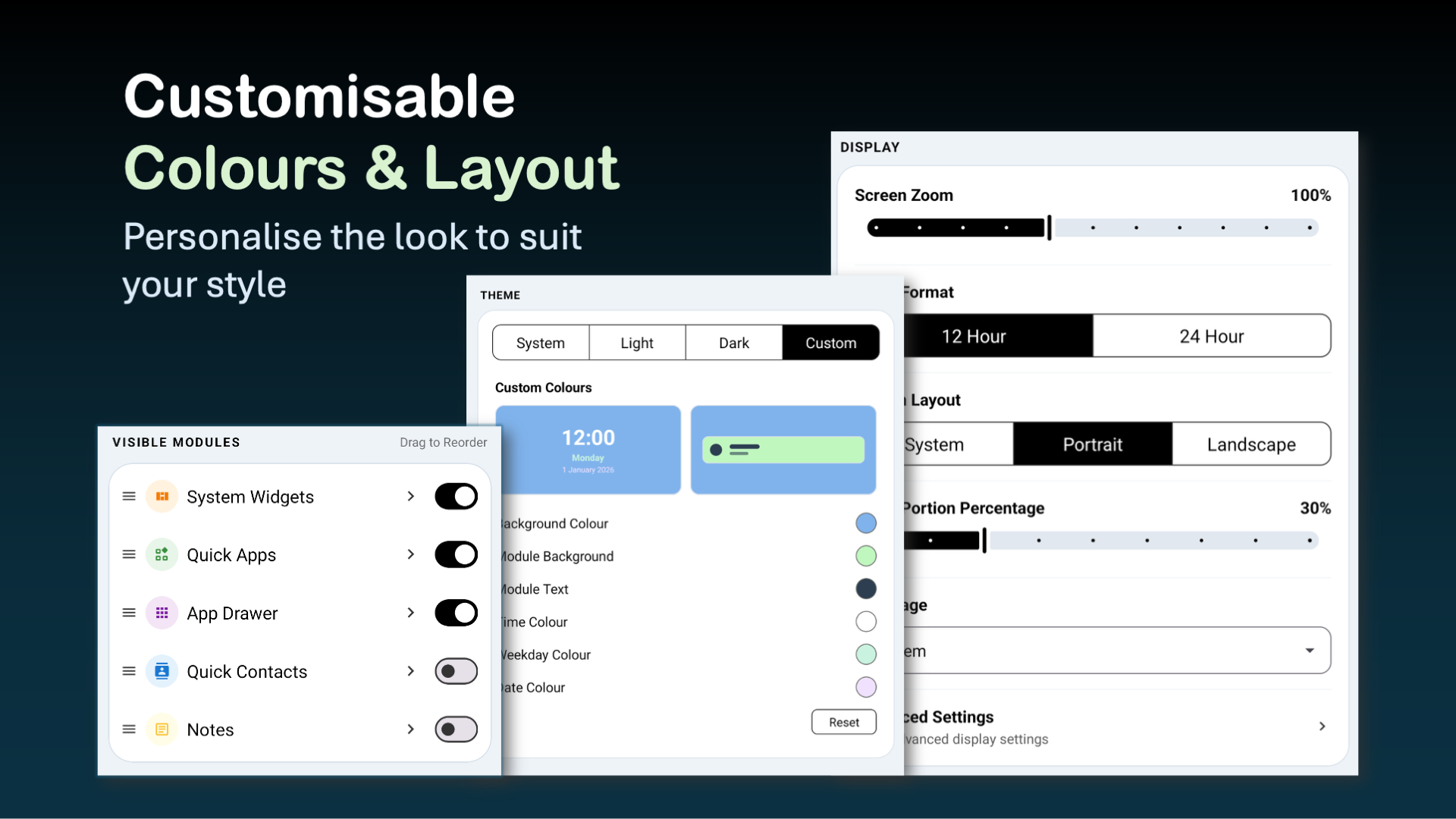
Adjust zoom, colours, theme, 12/24-hour clock, module layout, clock size, and portrait or landscape mode.
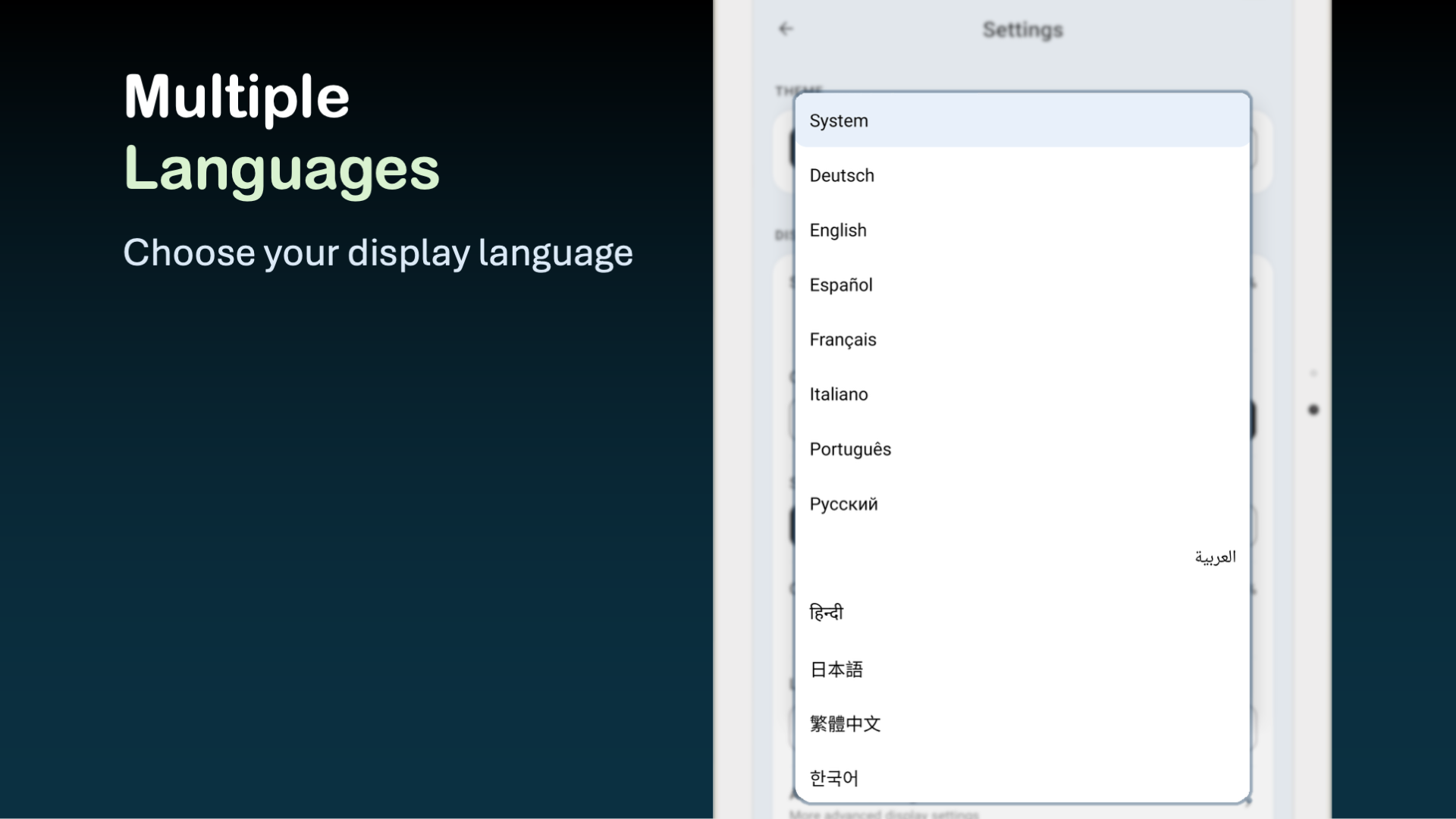
Use the app in English, Traditional Chinese, and many other languages to support different households and communities.
Occupational Therapy Perspective
From an OT perspective, a good device setup should support participation, orientation, routine, and independence while reducing avoidable frustration.
A large clock with weekday and date can help users check "what time is it?" and "what day is it?" without opening another app.
A consistent home screen, large targets, and fewer unnecessary choices may make device use less tiring and confusing.
Older adults can access calling, messages, photos, notes, calendars, and reminders more independently after setup.
Quick contacts make it easier to reach family, carers, and important services without searching through the full contacts app.
Display zoom, colours, contrast, font sizing, and layout controls help tailor the screen for people with low vision or preference changes.
A settings lock can reduce accidental changes after a caregiver, therapist, or family member has configured the device.
Use Cases
Clock Launcher can be useful for older adults, people with mild cognitive changes, carers setting up a simpler device, or anyone who wants a less cluttered Android home screen.
Install it on an Android phone or tablet, then customise the layout to match the user's daily needs.